

Updated November 9, 2026
I've been involved in a lot of new websites and website refreshes over the years. Can there be a more frustrating process? There always seems to be a reason it can't be finished on time or on budget.
My experience isn't unique. Ask any business owner who has been through a redesign. You'll hear the same story: one more delay, one more change order, one more "we're almost there."
The good news is that the reasons are predictable. That means they're preventable.
The Short Answer
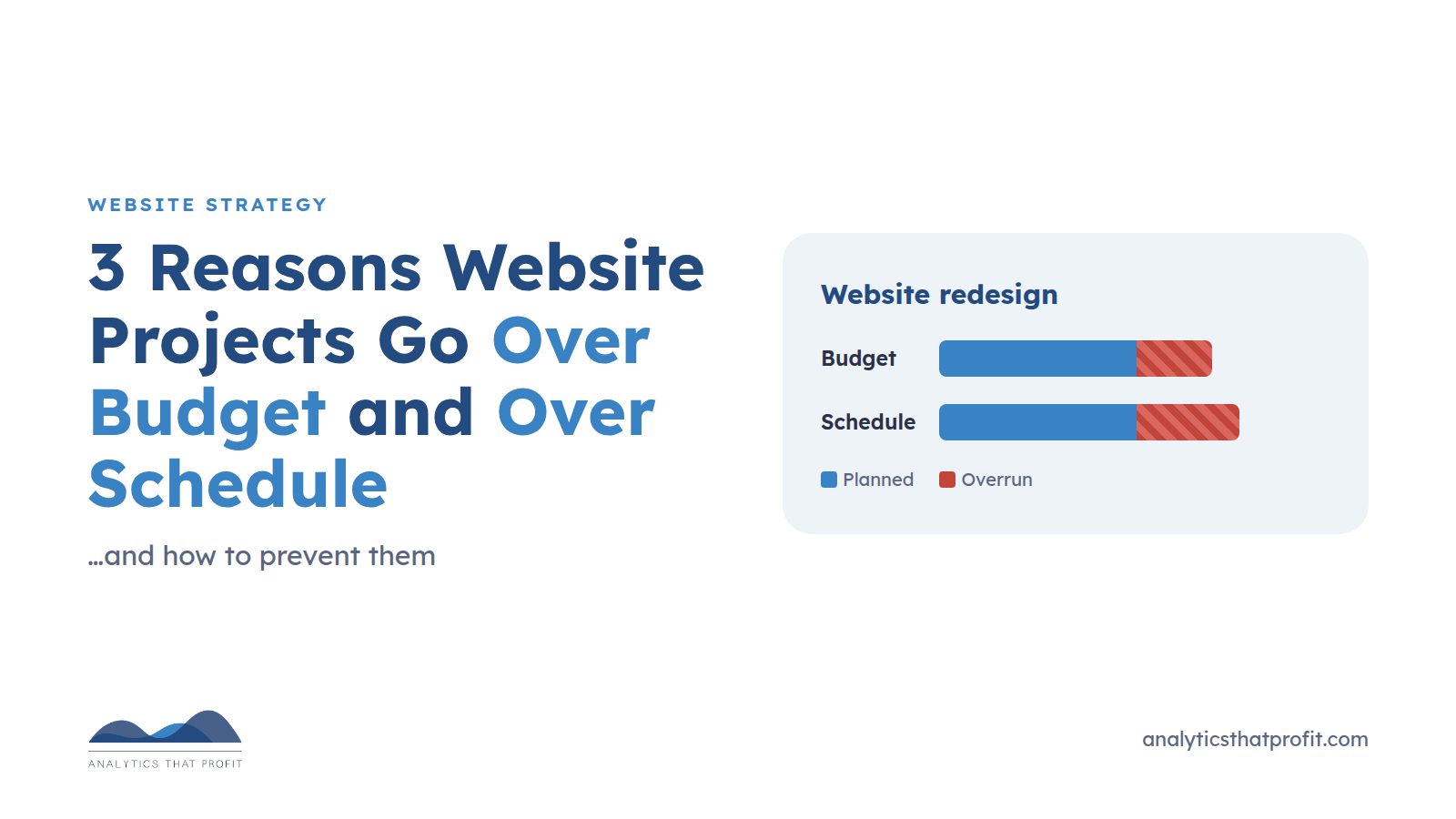
Website redesign projects usually go over schedule and over budget for three reasons:
- Every change depends on a developer, so small edits turn into weeks of back-and-forth.
- There's no clear business goal, so the scope keeps growing.
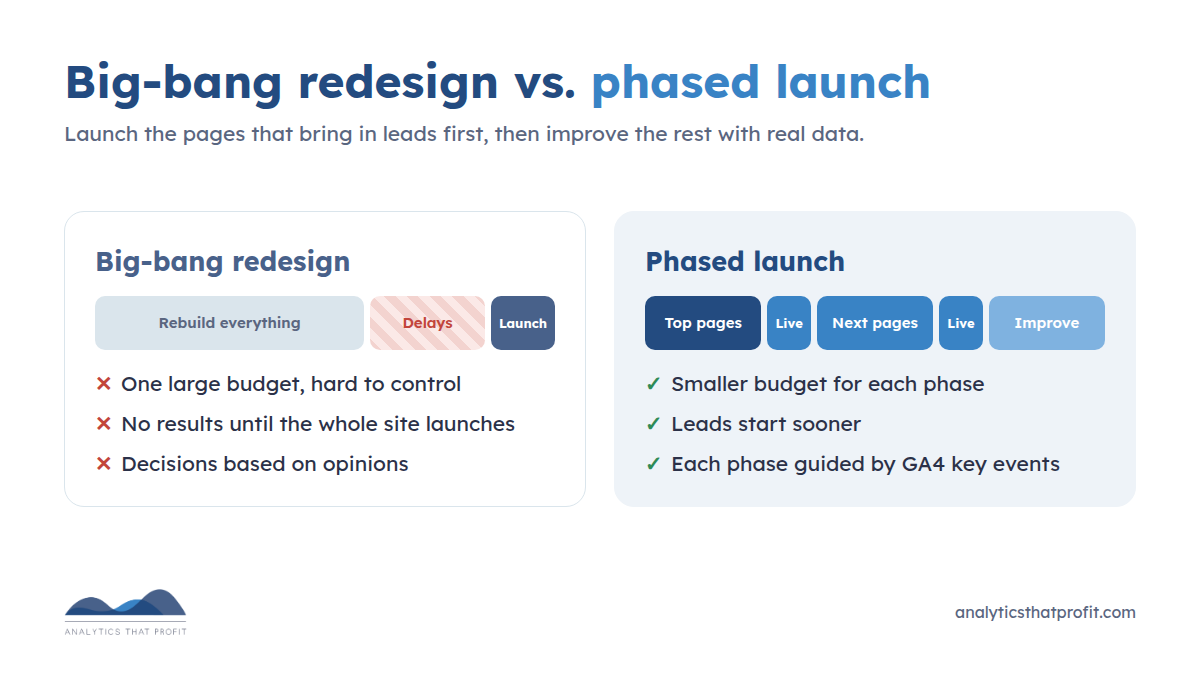
- The team tries to rebuild everything at once instead of fixing the pages that matter first.
Behind all three are a few hidden delays: content that isn't ready, too many people approving, and the technical work nobody budgeted for, like redirects and tracking. Here's how each one happens, and how to prevent it.
Reason 1: Every Change Depends on a Developer
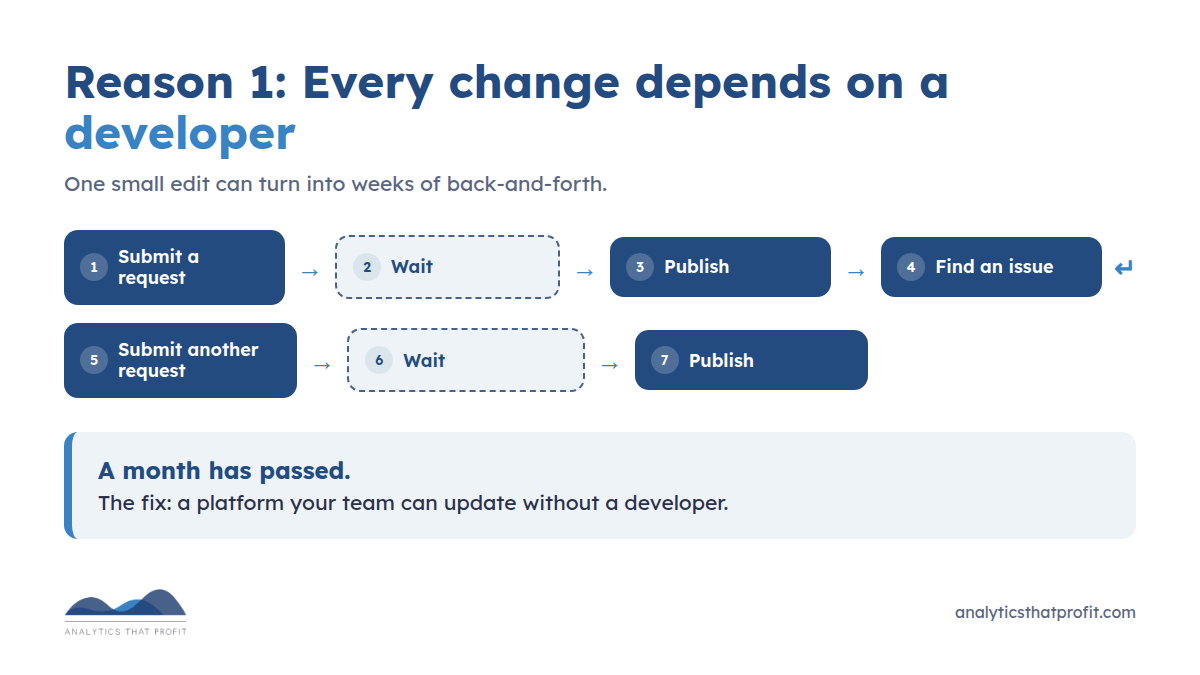
If you can't update your own website, you're dependent on someone else for every change. Here's how that usually goes:
Submit a request.
Wait.
Publish.
Find an issue.
Submit another request.
Wait.
Publish.
A month has passed!
The fix is a platform your team can actually use. HubSpot, WordPress, Squarespace, Wix, and similar platforms let non-technical users edit text, swap images, and build pages with drag-and-drop tools. Save developer time for the work that truly needs it, like custom integrations.
Before you sign a contract, ask: "After launch, which changes can my team make without you?" If the answer is "not many," budget for that.
Reason 2: No Clear Goal (Lack of Hyper Focus)
"We need to update our website."
"Why?"
"Our competitors' sites look better than ours."
That reminds me of what my mother used to say: "If all your friends jumped off a cliff, would you?" Being a snarky little ginger, I'd reply, "Yes! Then all my friends would be dead." It didn't work with my mother, and it won't work for your business.
A redesign without a clear goal turns your website into a cost center instead of a revenue generator. Without a goal, every new idea seems reasonable. One more page, one more feature, one more round of design. That's scope creep, and it's the fastest way to bust a budget.
A hyper-focused website solves problems for the people you want to do business with. B2B buyers do most of their research before they ever talk to you, and they notice when your website and your salespeople tell different stories. Gartner found that buyers are 2.8 times more likely to complete a high-quality deal when they see high consistency between a supplier's website and its sales reps.
So before anyone opens a design file, answer three questions:
- Who is the website for? (Your best customers, not your competitors.)
- What should they do? (Request a quote, call, book a meeting, buy.)
- How will we measure it? (A GA4 key event, such as quote form submissions.)
Write the answer in one sentence and hold every feature request up against it. If a request doesn't support the goal, it waits for phase two.
Pro tip: Ask your current customers what they want to see on your website. They'll tell you what made them choose you, and what almost stopped them.
Reason 3: Ignoring the Low-Hanging Fruit
A cool interactive tool or a fancy animation seems like a nice addition, but it can be expensive to build and slow to finish. Focus on the low-hanging fruit first. Let the revenue it brings in pay for the cool stuff later.
How do you find the low-hanging fruit? Look for friction on the pages that already bring in leads.
- In GA4: Set up key events for form submissions, phone clicks, and bookings. Then find the pages with plenty of traffic but few key events. Those are your best opportunities.
- With a heat map: Tools like Microsoft Clarity (free), Hotjar, Crazy Egg, and Lucky Orange show where visitors click, how far they scroll, and where they give up.
- On your forms: Are they too long? Is the offer worth filling out a form for? Do they work on a phone?
Decisions are always better when they're based on data.
Pro tip: Launch your highest-performing pages first. Improve the pages that bring in leads, launch them, and measure the results. Then move on to the rest of the site. This approach is often called growth-driven design. It gets you results months sooner than a "big bang" launch, and every phase has a smaller budget that's easier to control.
The Hidden Delays Nobody Budgets For
Even with a clear goal and the right platform, these are the delays I see most often:
- Content isn't ready. In my experience, this is the most common reason launch dates slip. The design is done, but nobody has written the service pages or gathered the photos. Assign an owner and a due date for every page before design starts.
- Too many approvers. Every extra reviewer adds a round of edits. Name one decision-maker, and agree on how many revision rounds are included.
- Redirects get forgotten. When URLs change, old links break and search rankings can drop. Map every old URL to its new home before launch. (Even we found 33 old blog URLs on our own site that now return "page not found" errors. It happens to everyone.)
- Tracking gets left behind. Forms, phone tracking, and GA4 key events often break during a rebuild. If they aren't tested before launch, you can't tell whether the new site works better than the old one.
- Surprise integrations. CRM forms, chat, scheduling, and payment tools all take time. List them in the scope from day one.
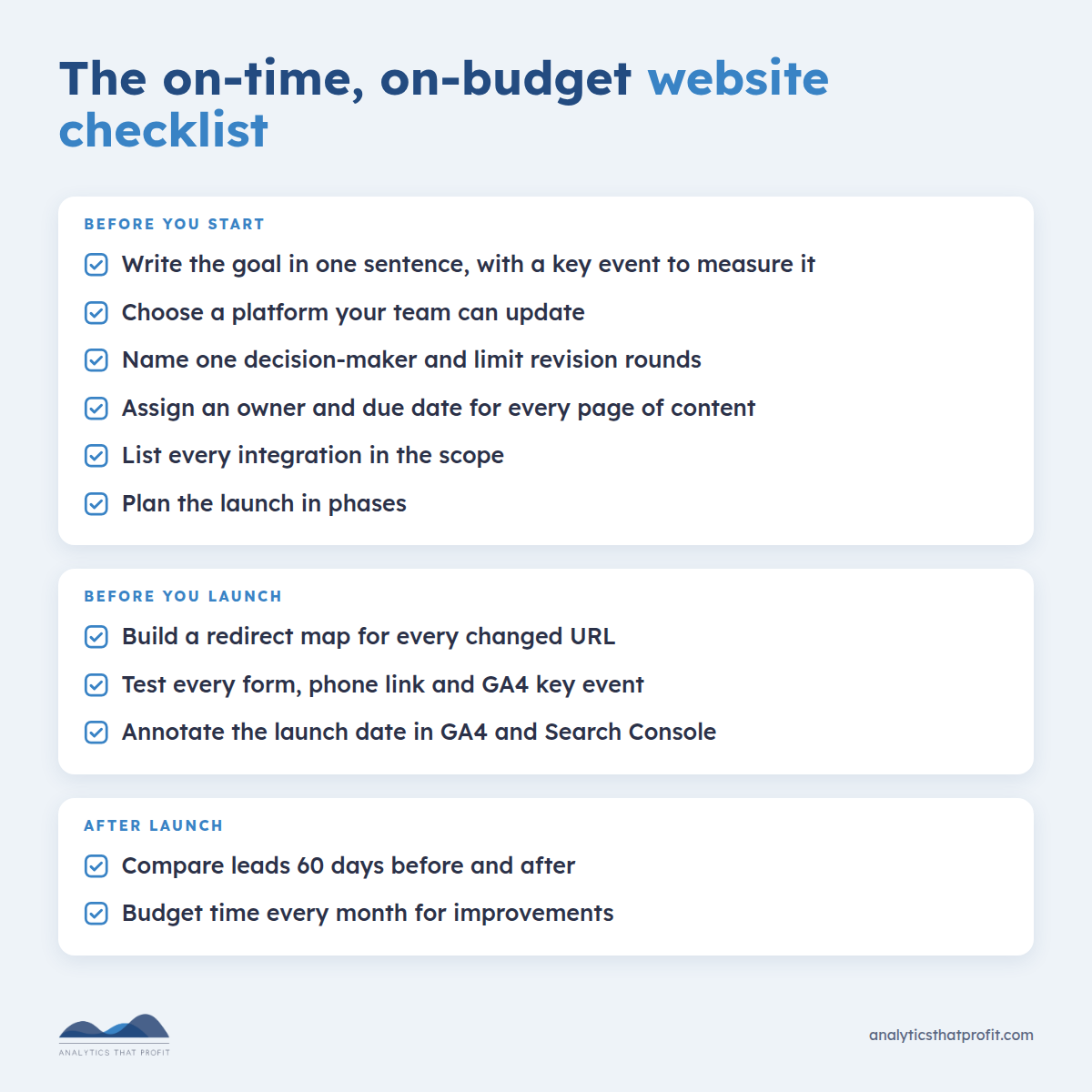
Your Checklist for an On-Time, On-Budget Website
Before you start:
Write the website's goal in one sentence, with a key event to measure it
Choose a platform your team can update without a developer
Name one decision-maker and set a limit on revision rounds
Assign an owner and due date for every page of content
List every integration (CRM, forms, chat, scheduling) in the scope
Plan the launch in phases, starting with the pages that bring in leads
Before you launch:
Build a redirect map for every changed URL
Test every form, phone link, and GA4 key event
Annotate the launch date in GA4 and Search Console so you can compare before and after
After launch:
Compare leads for the 60 days before and after
Budget time every month for improvements. A website is never "done."
Planning a new website or a redesign? As a HubSpot Solutions Partner, we help businesses build websites their teams can update themselves, with tracking that shows what brings in customers. Book a time to talk with Phil before you sign a contract.
Frequently Asked Questions
Related Articles
- Does Your Website Accelerate Sales or Prevent Them?
- The Importance of Technical SEO for Your Website's Success
- How to Do a Google Analytics Audit
- PDCA: The 4 Steps of Effective Marketing